Port Check
Verifies that a specific TCP port is open and reachable on your server, useful for monitoring any network service.
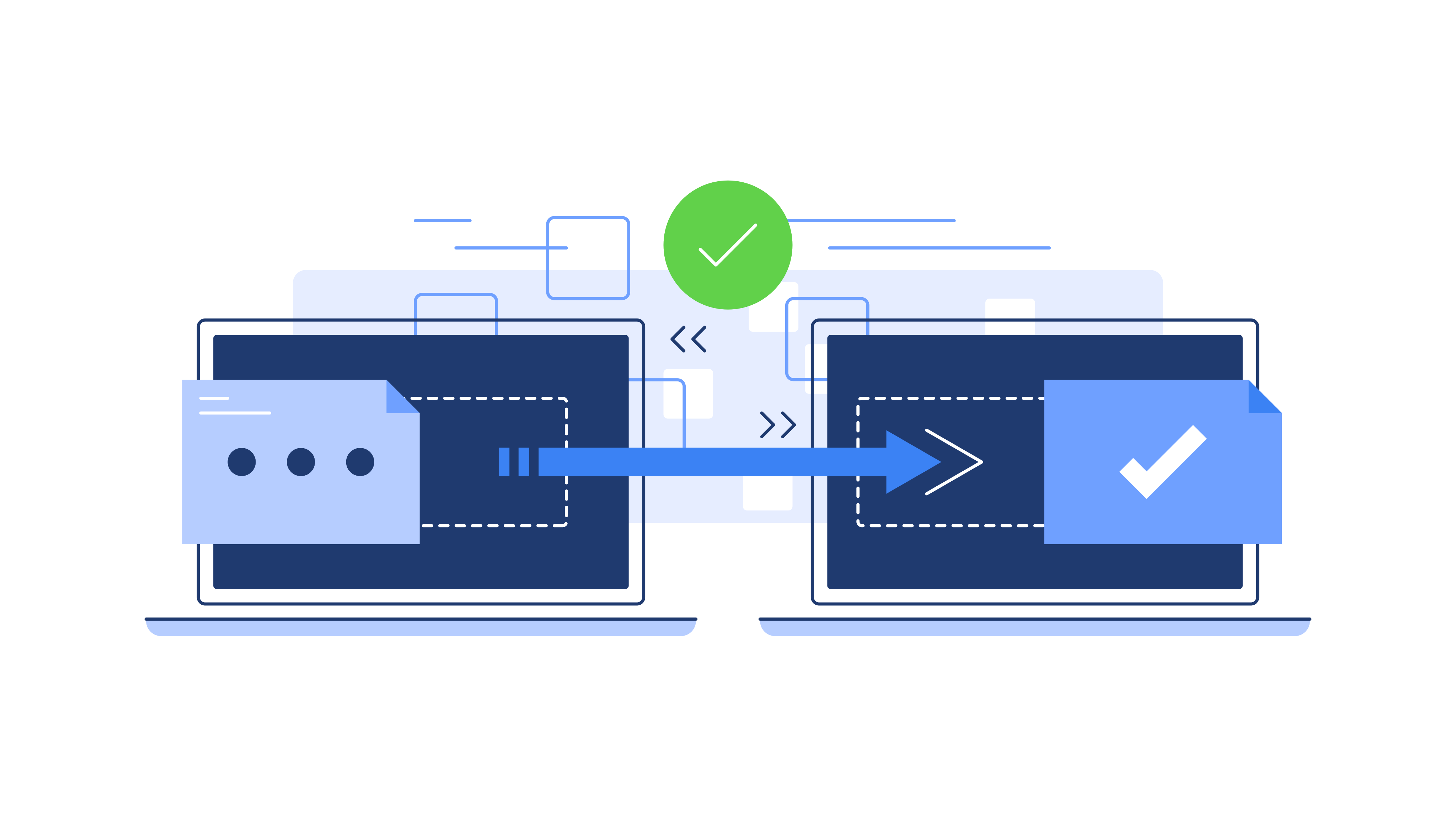
What are TCP Ports?
A TCP port is a logical endpoint for network communication. While an IP address identifies a machine on a network, a port number identifies a specific process or service running on that machine. TCP (Transmission Control Protocol) uses port numbers (0–65535) to multiplex connections — letting one server run dozens of services simultaneously.
Well-known ports (0–1023) are assigned by IANA to standard services. TCP itself is defined in RFC 9293.
What is a Port Check?
A port check attempts to establish a TCP connection to a specific port on your server. This verifies not just that the server is reachable, but that a specific service is listening and accepting connections.
Common Ports to Monitor
80 — HTTP web traffic
443 — HTTPS web traffic
22 — SSH access
3306 — MySQL database
5432 — PostgreSQL database
25 / 587 — Email (SMTP)
Why It Matters
A web server may be running while a critical background service has crashed. Port checks let you monitor individual services independently, giving you a granular view of your infrastructure health.